Product tour
LazerCRM, module by module
How LazerCRM runs a laser cutting job shop — from the first quote to the monthly report. All screenshots are real product screens with sample data; the interface is in Turkish.
The LazerCRM interface is currently available in Turkish. Interested in using it in your workshop? Contact us.
Dashboard
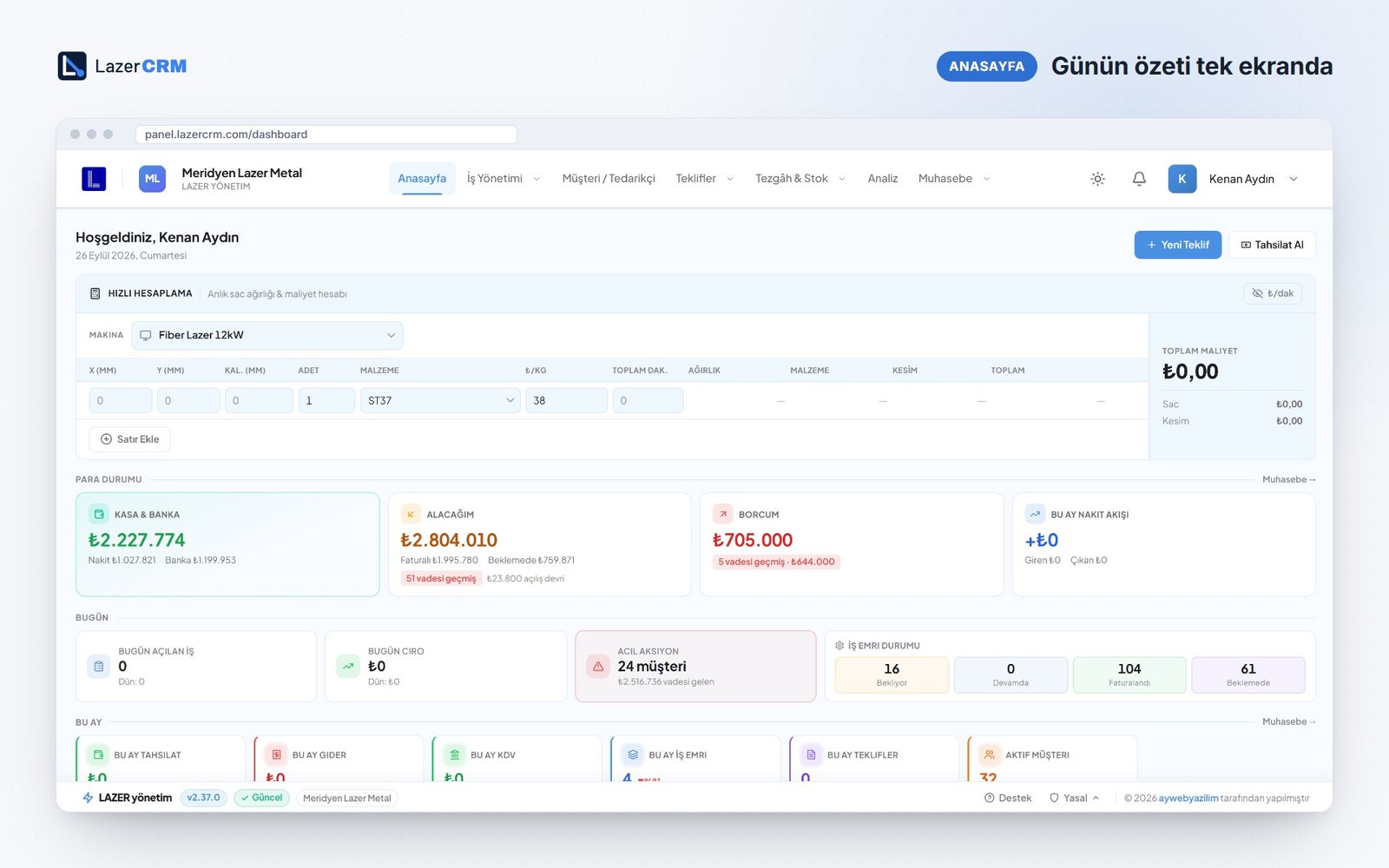
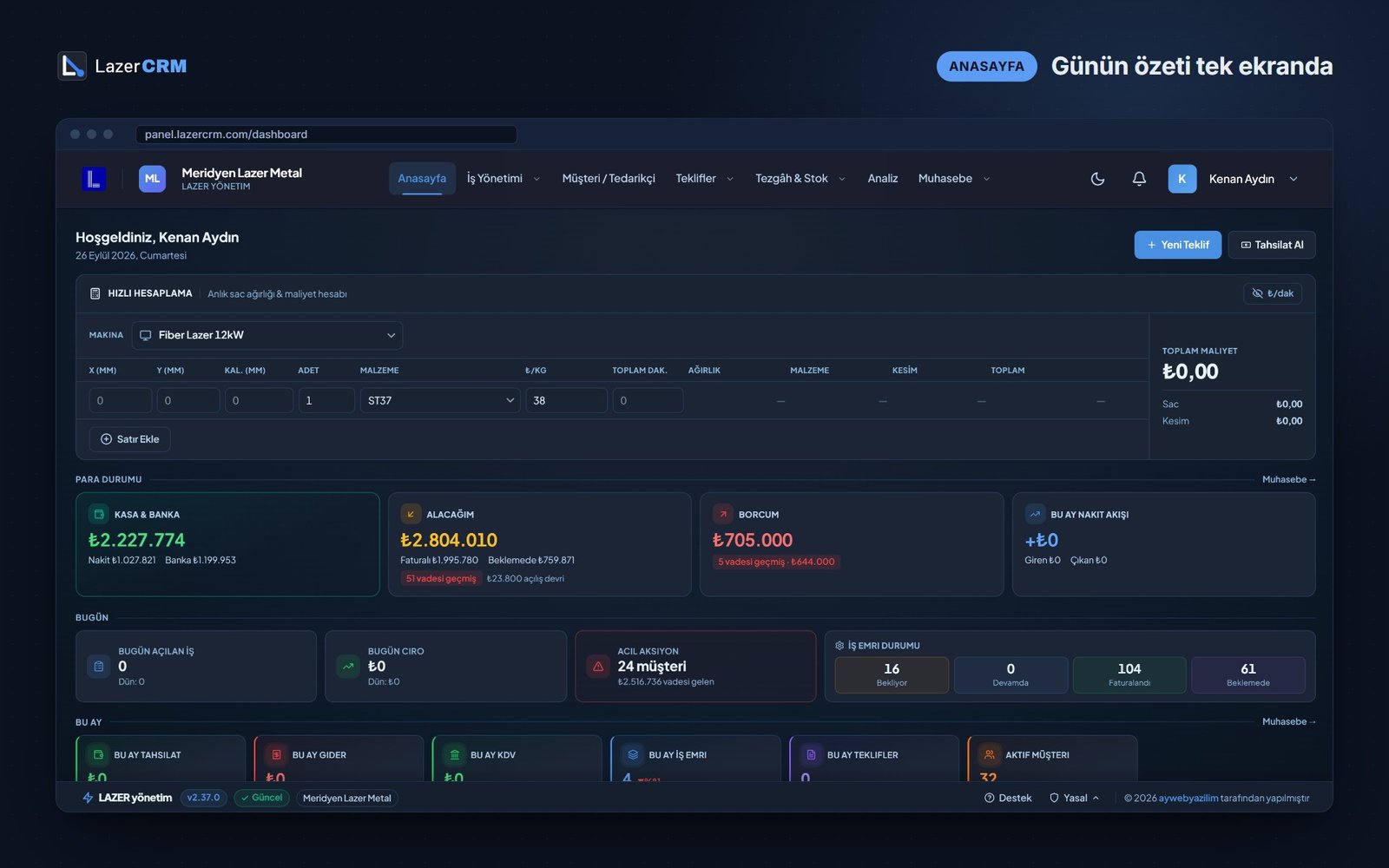
The day at a glance
Cash and bank, open receivables, payables, job order status and the month's key figures on one screen — the first screen you open in the morning. A quick calculator at the top gives a rough price while the customer is still on the phone.
- Cash and bank, receivables and payables in four cards
- Overdue receivables and payables flagged with document counts
- This month: collections, expenses, VAT due, job orders and quotes
Quotes
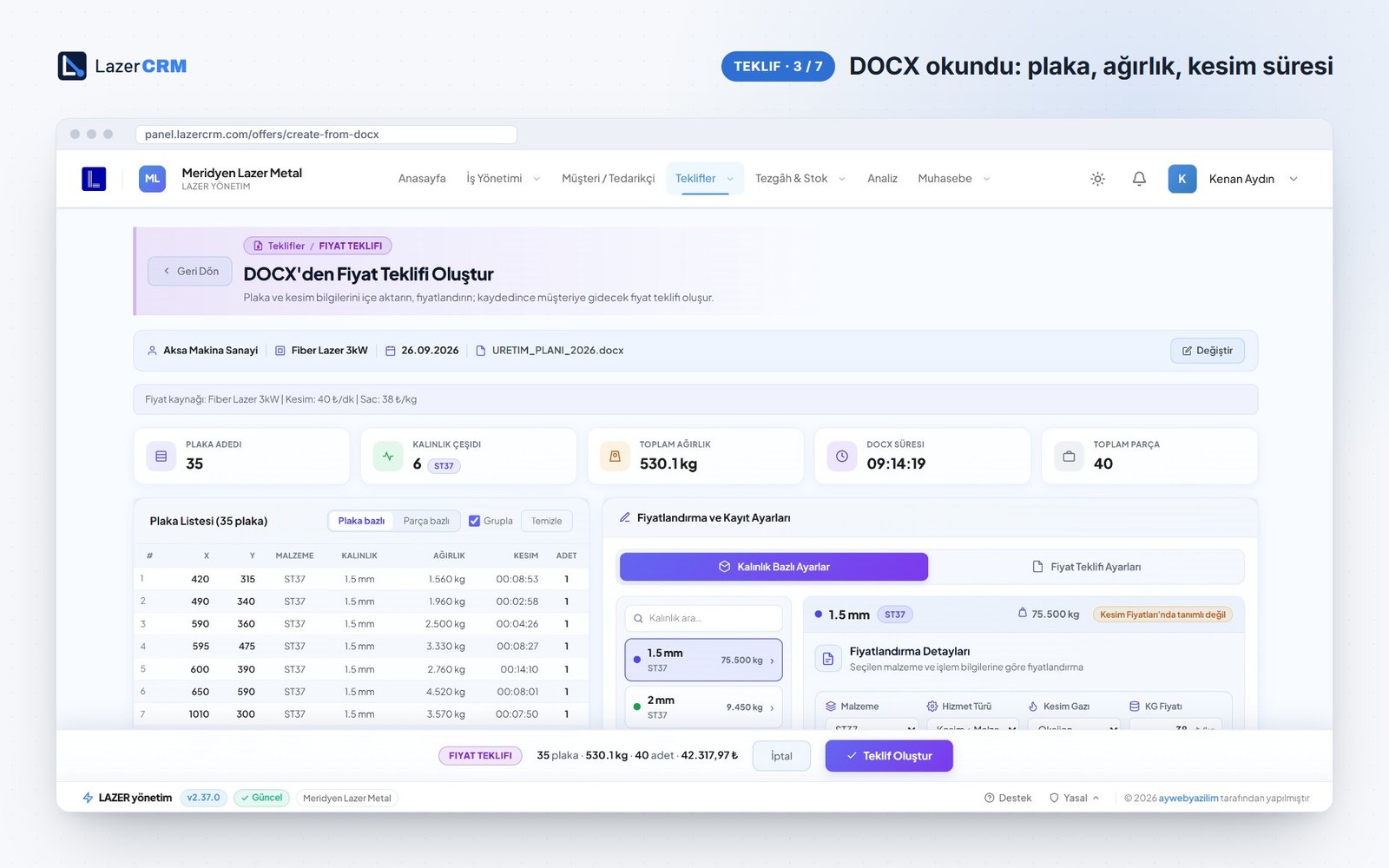
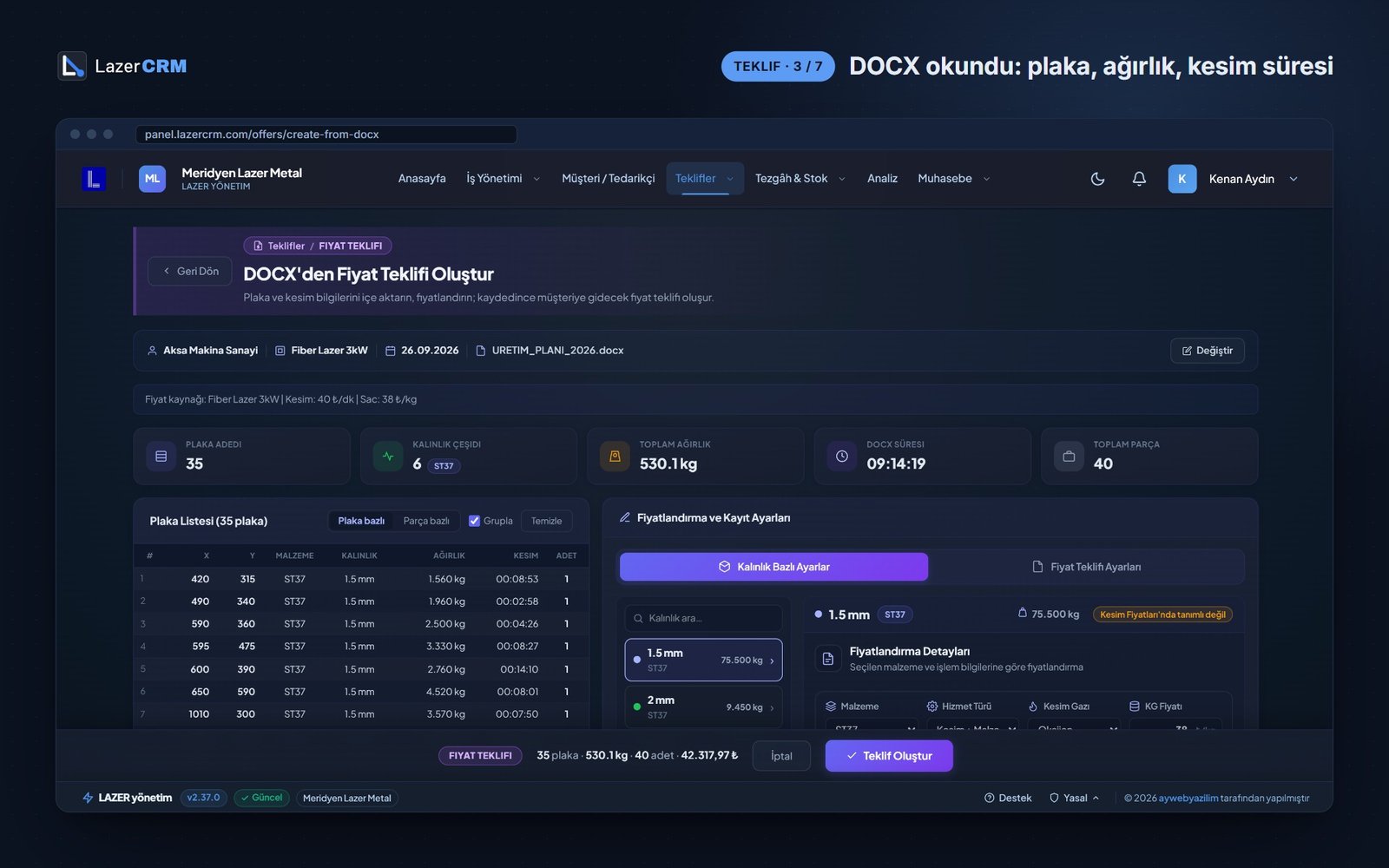
From cutting report to quote in minutes
Drop the DOCX report from Metalix into the quote screen: part name, thickness, weight, cutting time and quantity are read automatically and priced from the selected machine's rates. Jobs without a file are quoted manually with the same pricing engine.
- PDF quote with your company logo
- Pending and accepted quotes in separate tabs
- Badges show how many days a quote has been waiting
- An accepted quote becomes a job in one step
Pricing
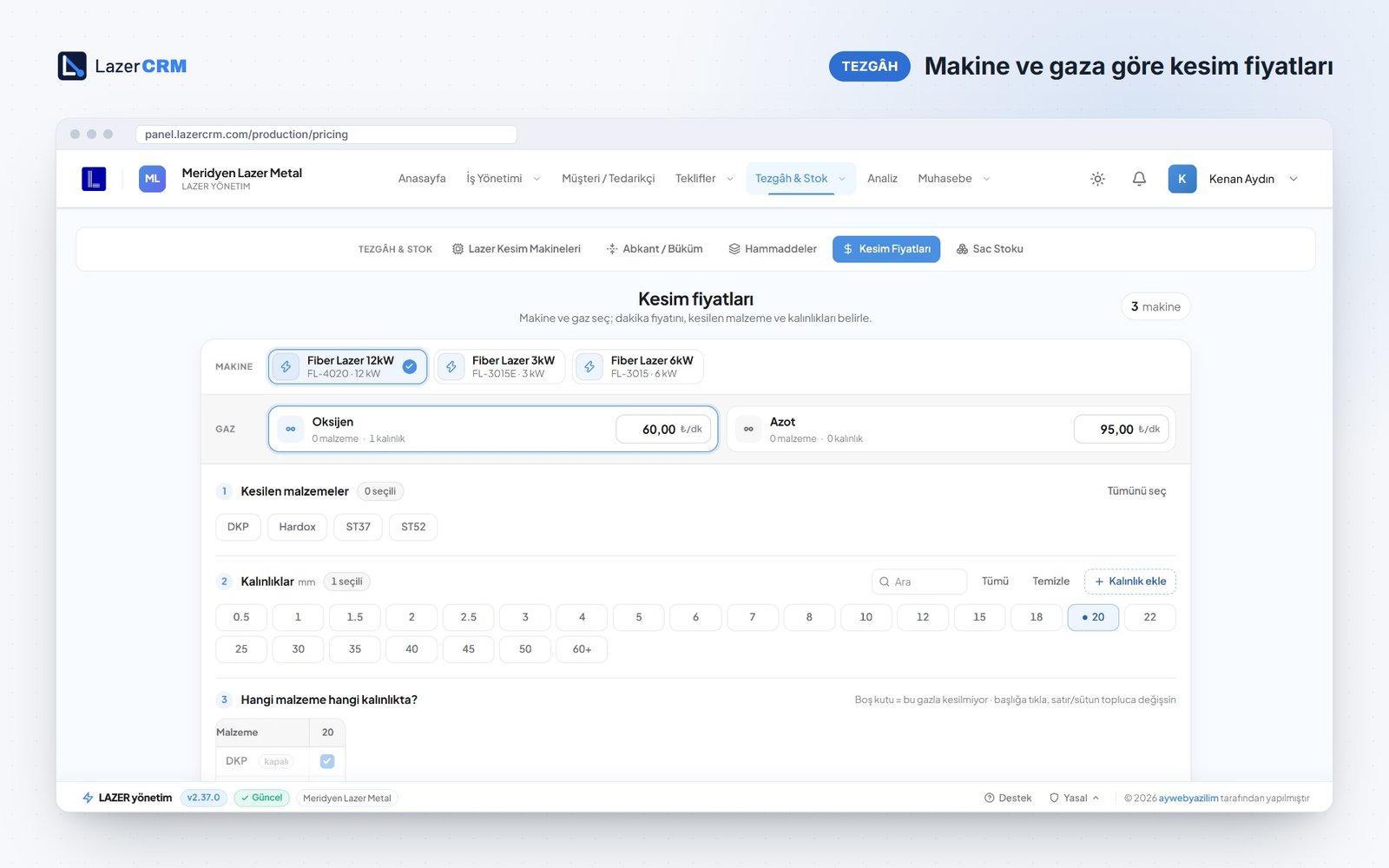
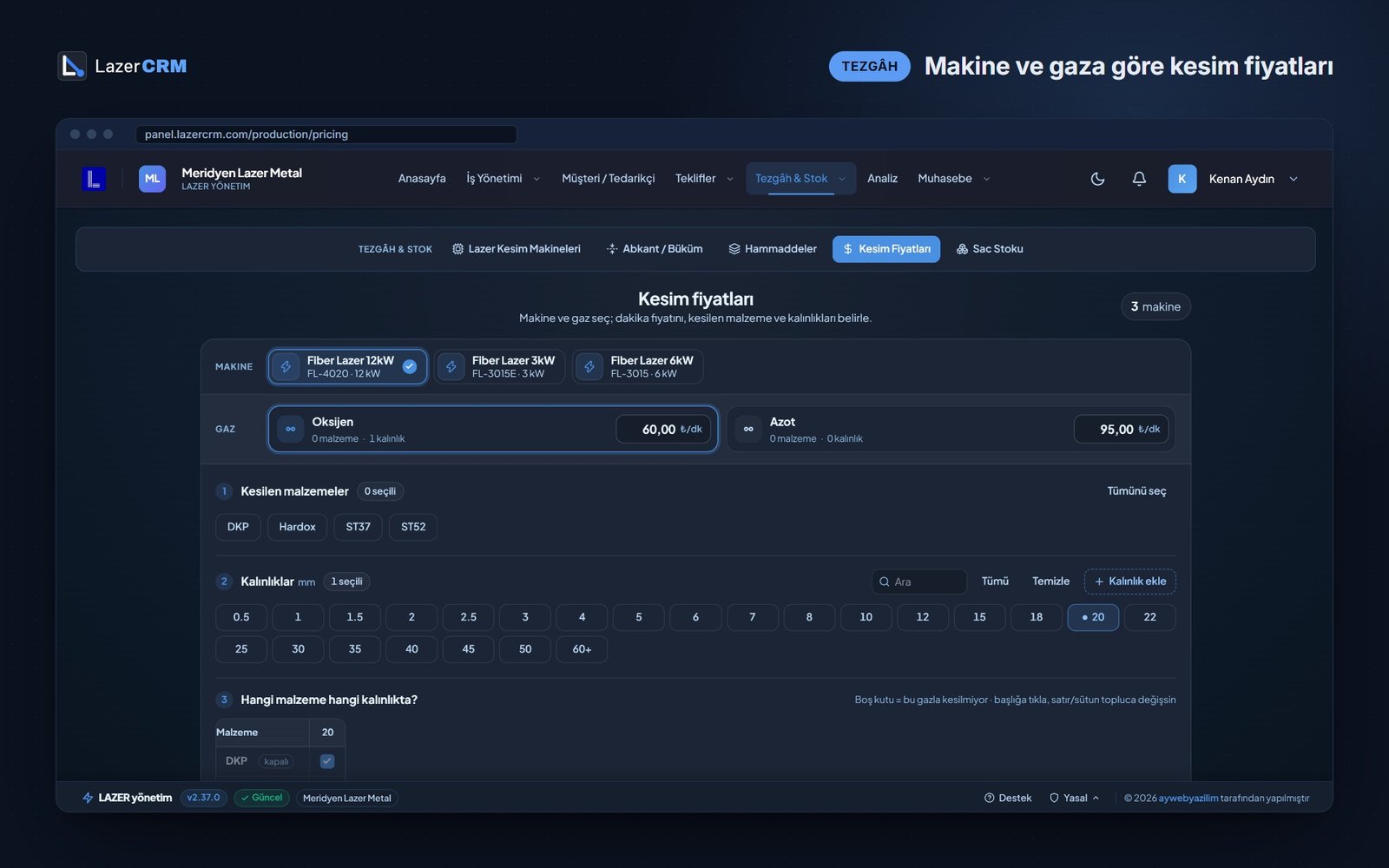
Prices come from rate tables, not guesswork
Each machine has its own per-minute rate for each assist gas — oxygen, nitrogen or air — mapped to thickness ranges and materials. Material prices per kg are kept in one place, so a price change applies to every following quote.
- Separate rates per machine, for example 3, 6 and 12 kW
- Gas-specific minute rates for thicknesses from 0.5 mm to over 60 mm
- Material list with price per kg and density
Job management
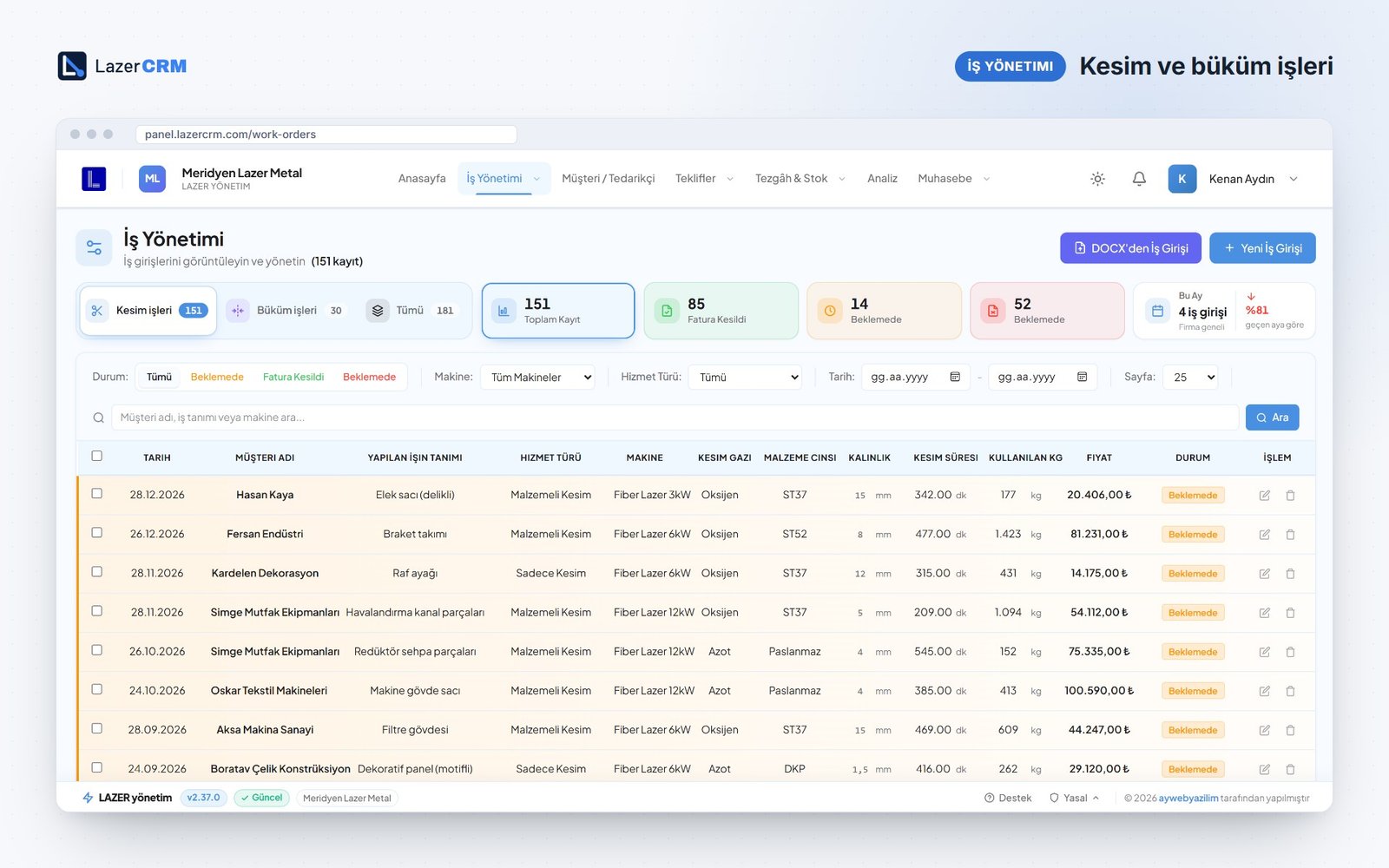
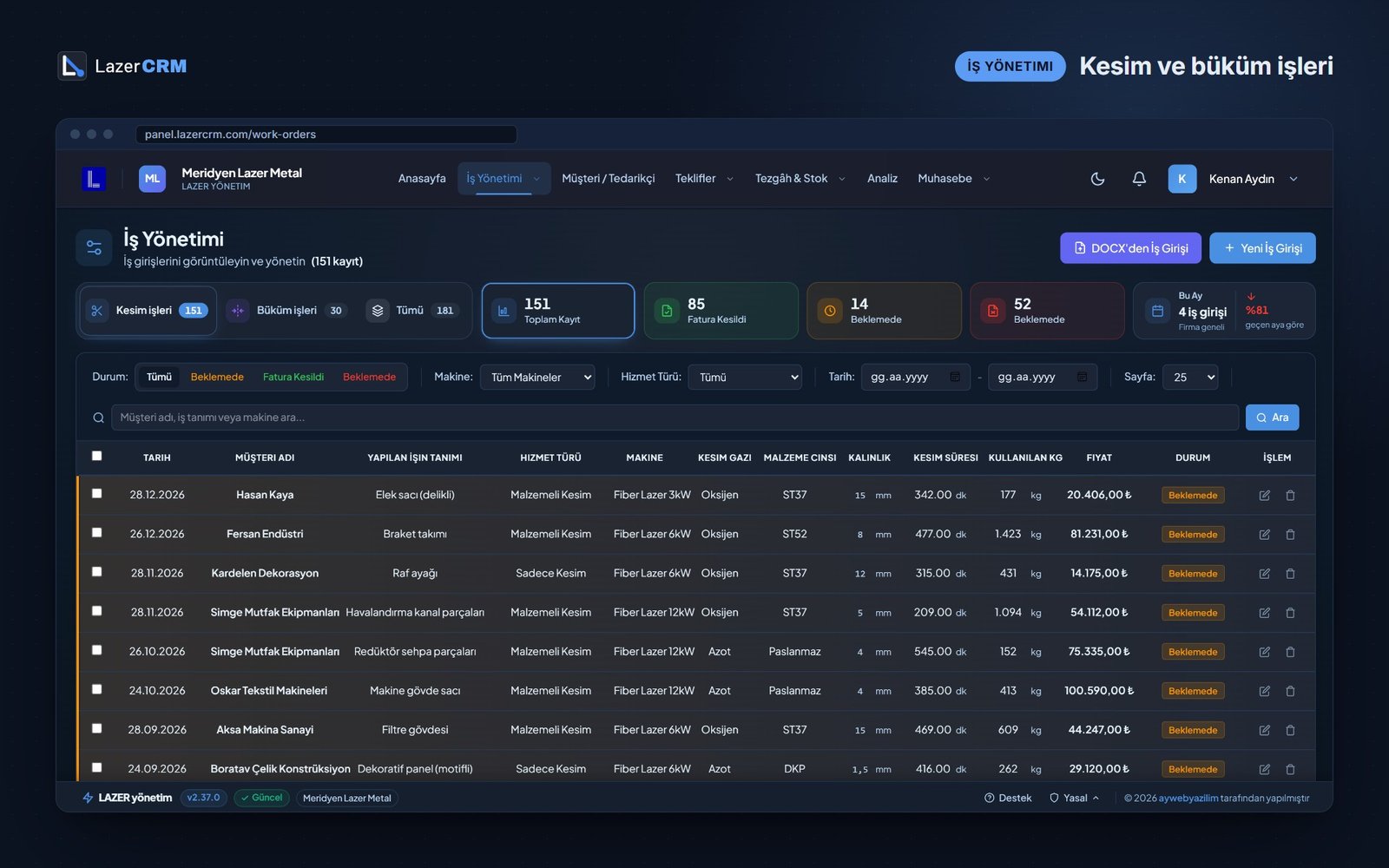
A complete record of every job
Each job sits on one line with service type, machine, gas, material, cutting time, weight and price — plus its status. Keeping cutting-only work apart from cutting with material is the basis for real profitability figures.
- Service types: cutting with material, cutting only, labour, welding, bending
- Status: pending, invoiced, on hold
- Bulk entry from Excel or from the cutting report
Customer accounts
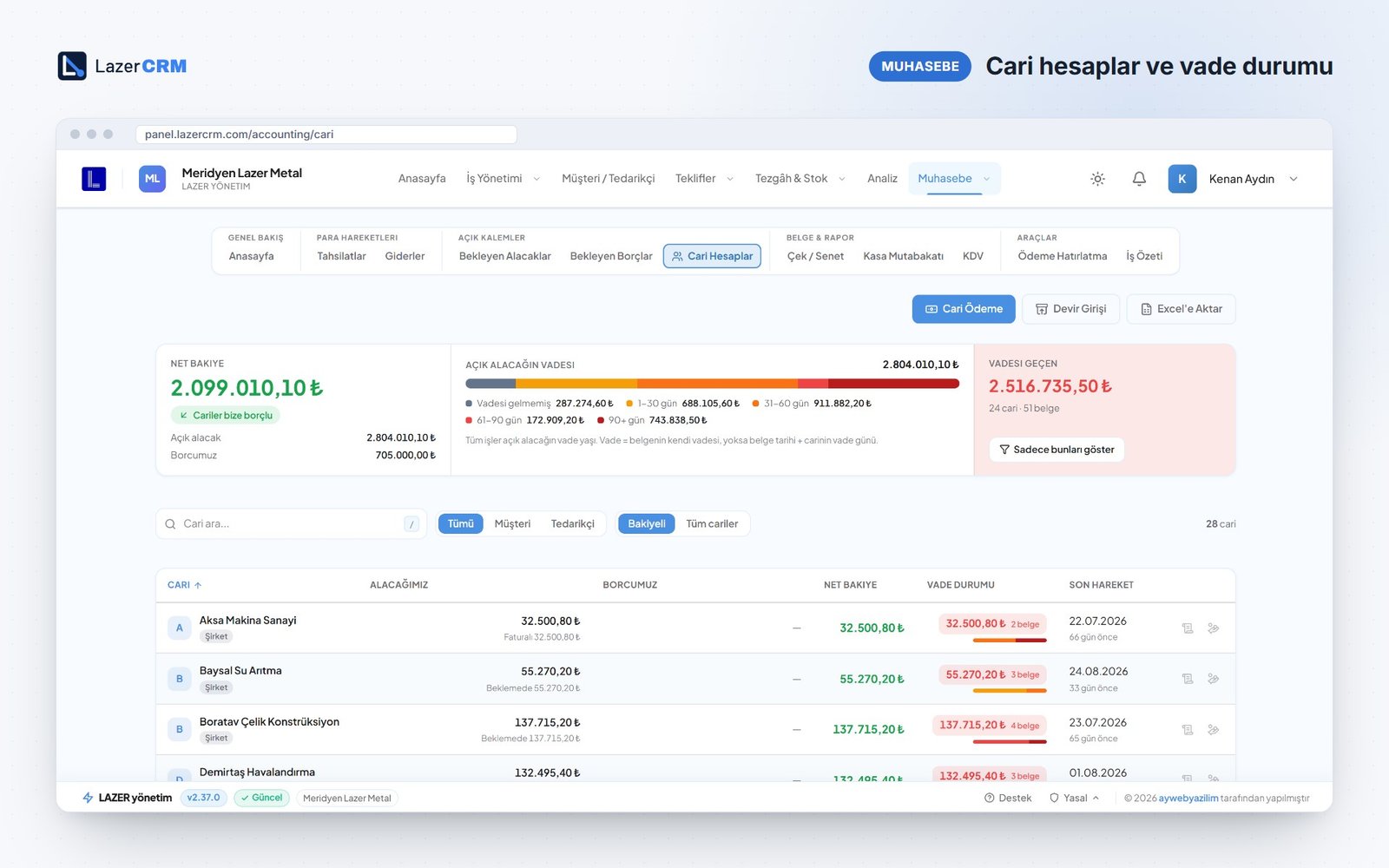
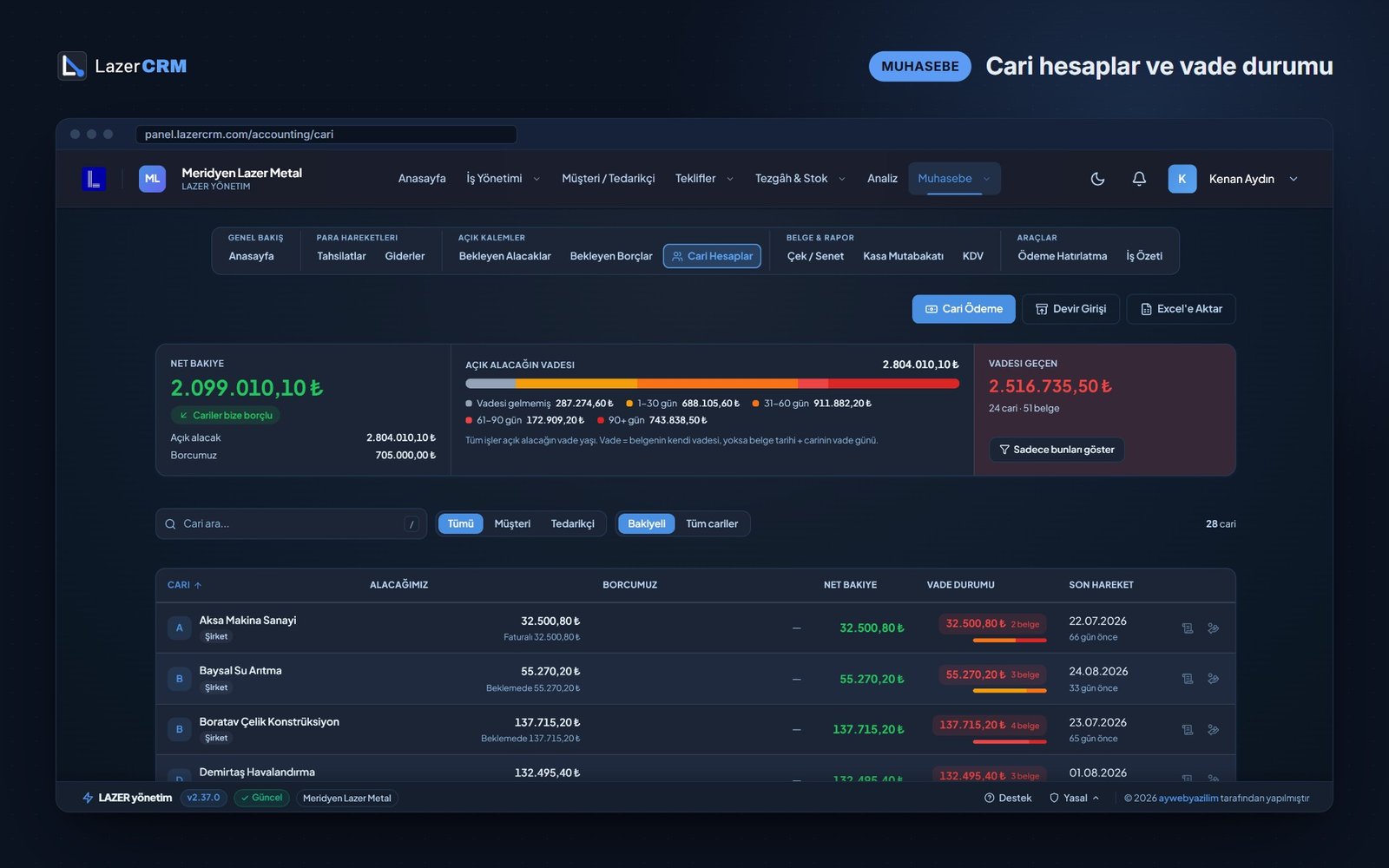
Know how old every receivable is
Net balance, open receivables and payables per account, with an ageing strip: not yet due, 1–30, 31–60, 61–90 and over 90 days. Overdue receivables are summarised by account and document count.
- Ageing in five buckets
- Account payments and opening balances
- Export to Excel
Cheques & notes
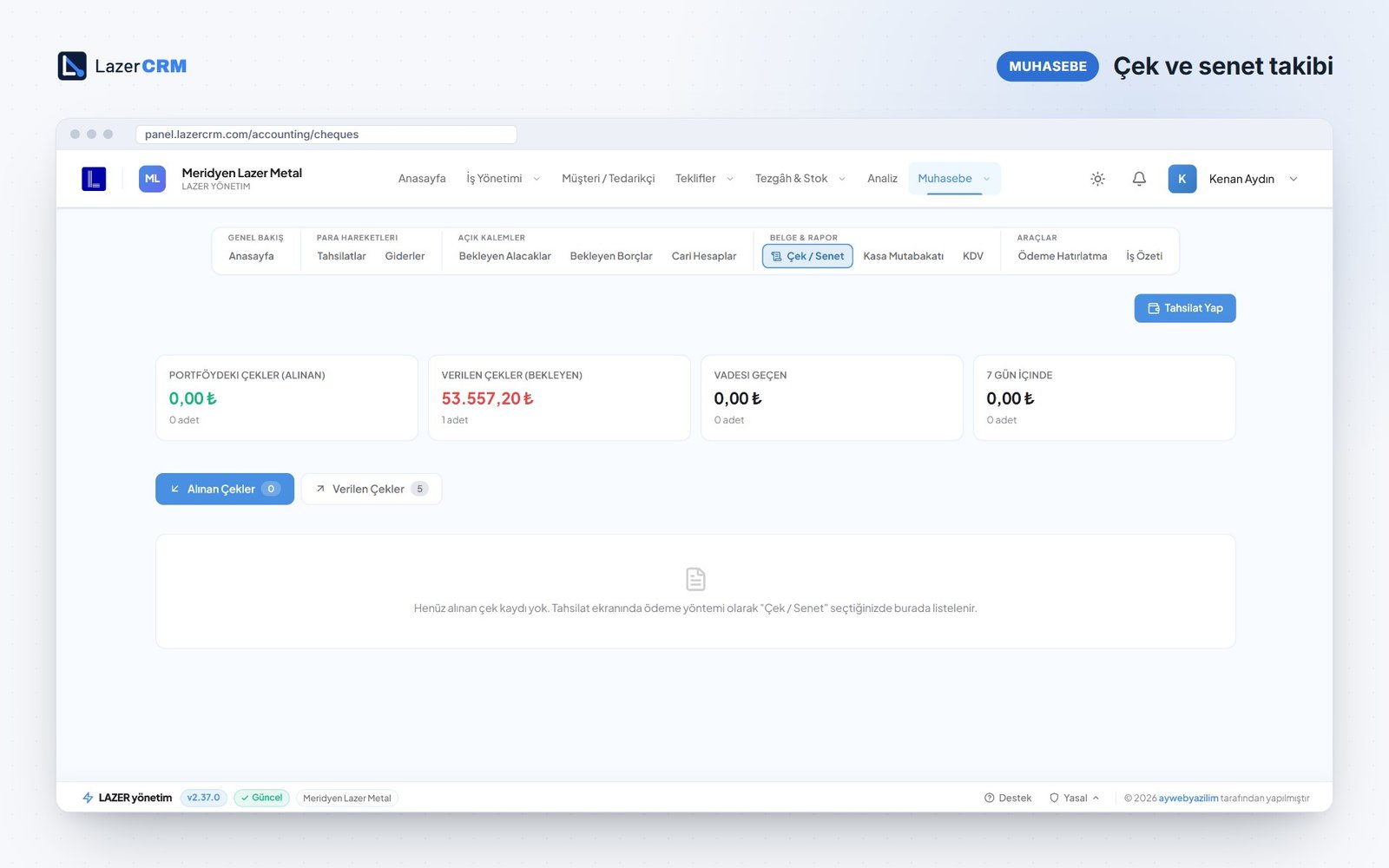
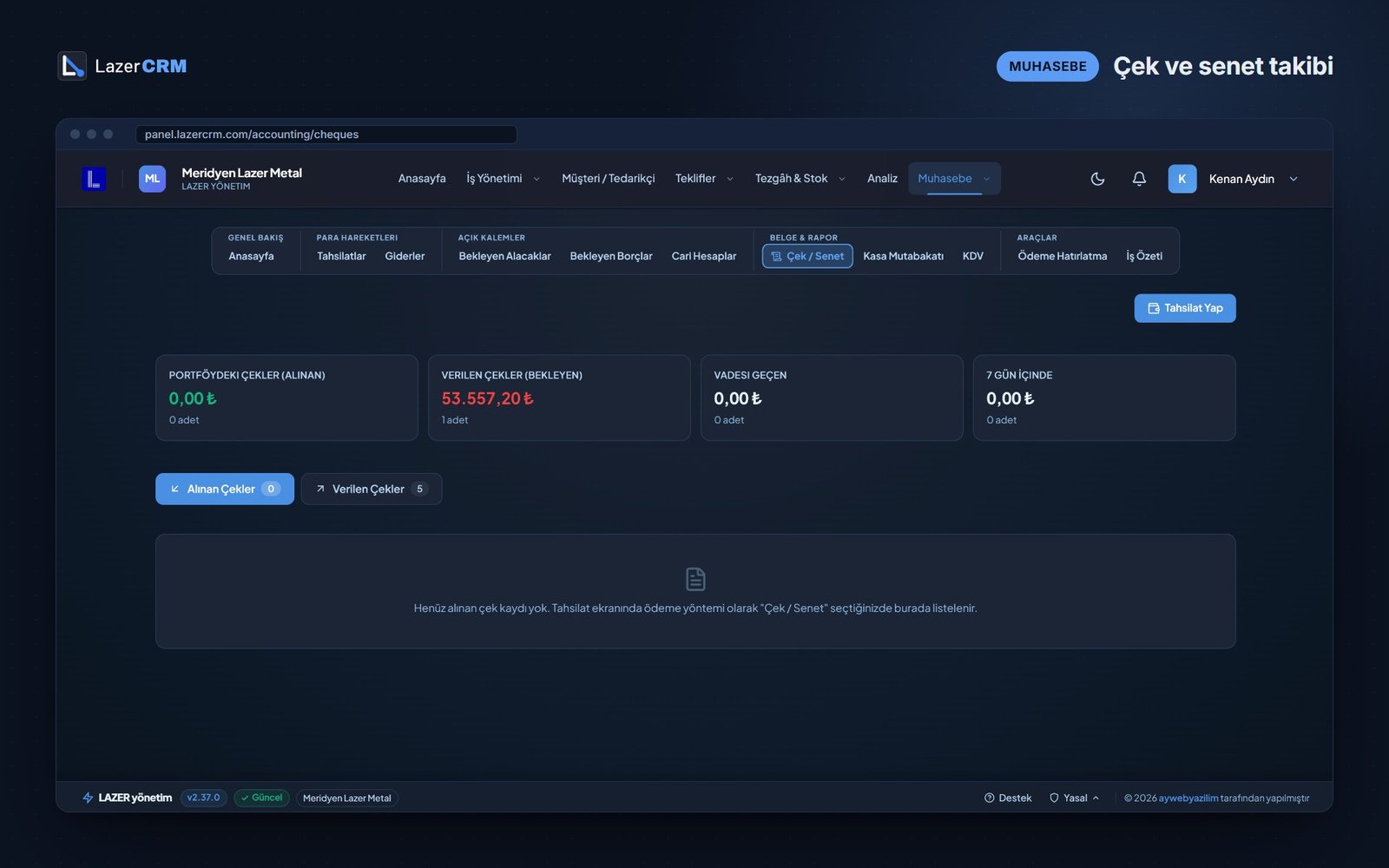
See cheque due dates before they arrive
Cheques received and issued are listed by due date. Separate cards show the portfolio, issued cheques, overdue items and everything due within the next seven days.
- Received and issued cheques in separate lists
- Items due within 7 days highlighted
- A cheque is recorded together with the payment
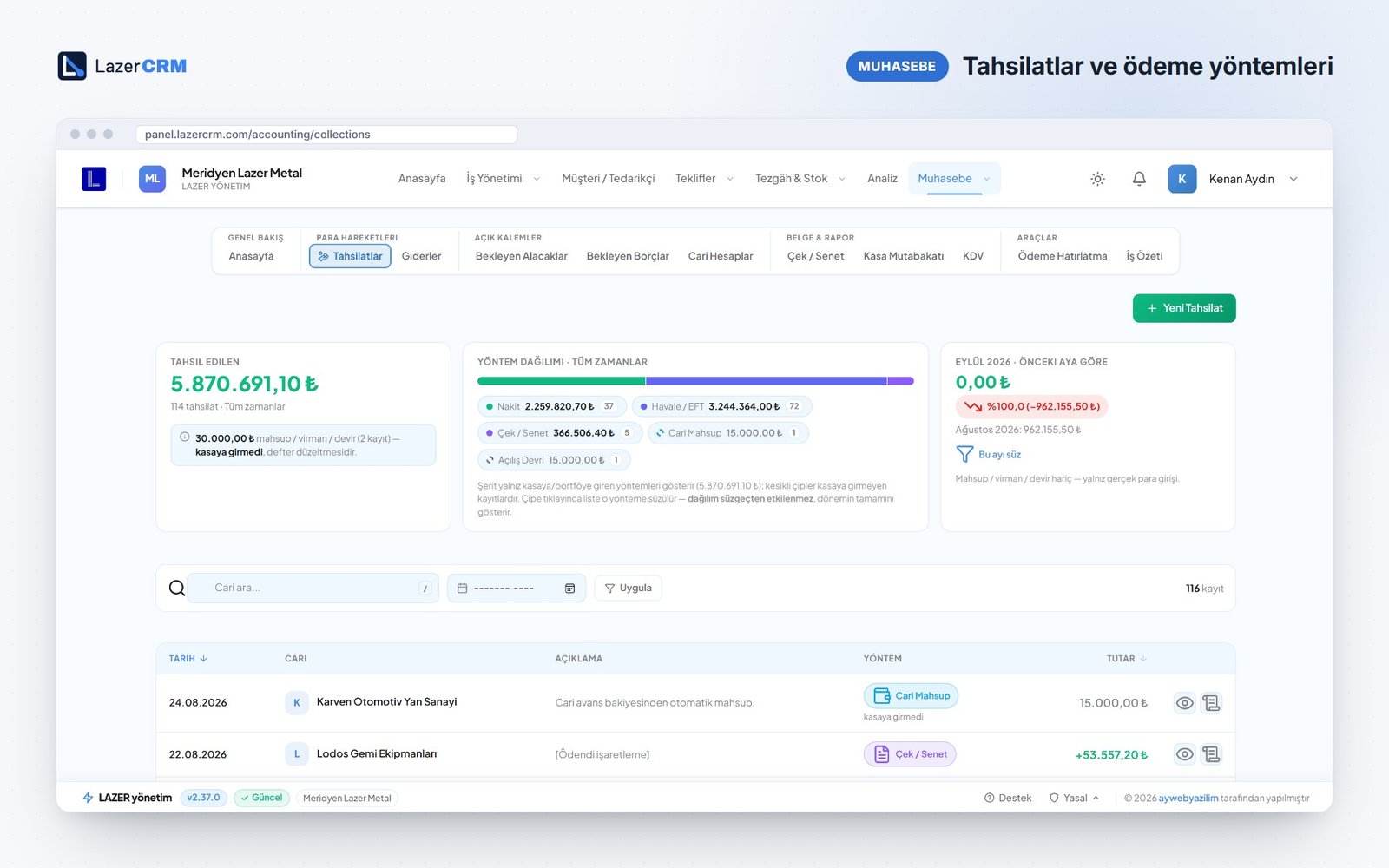
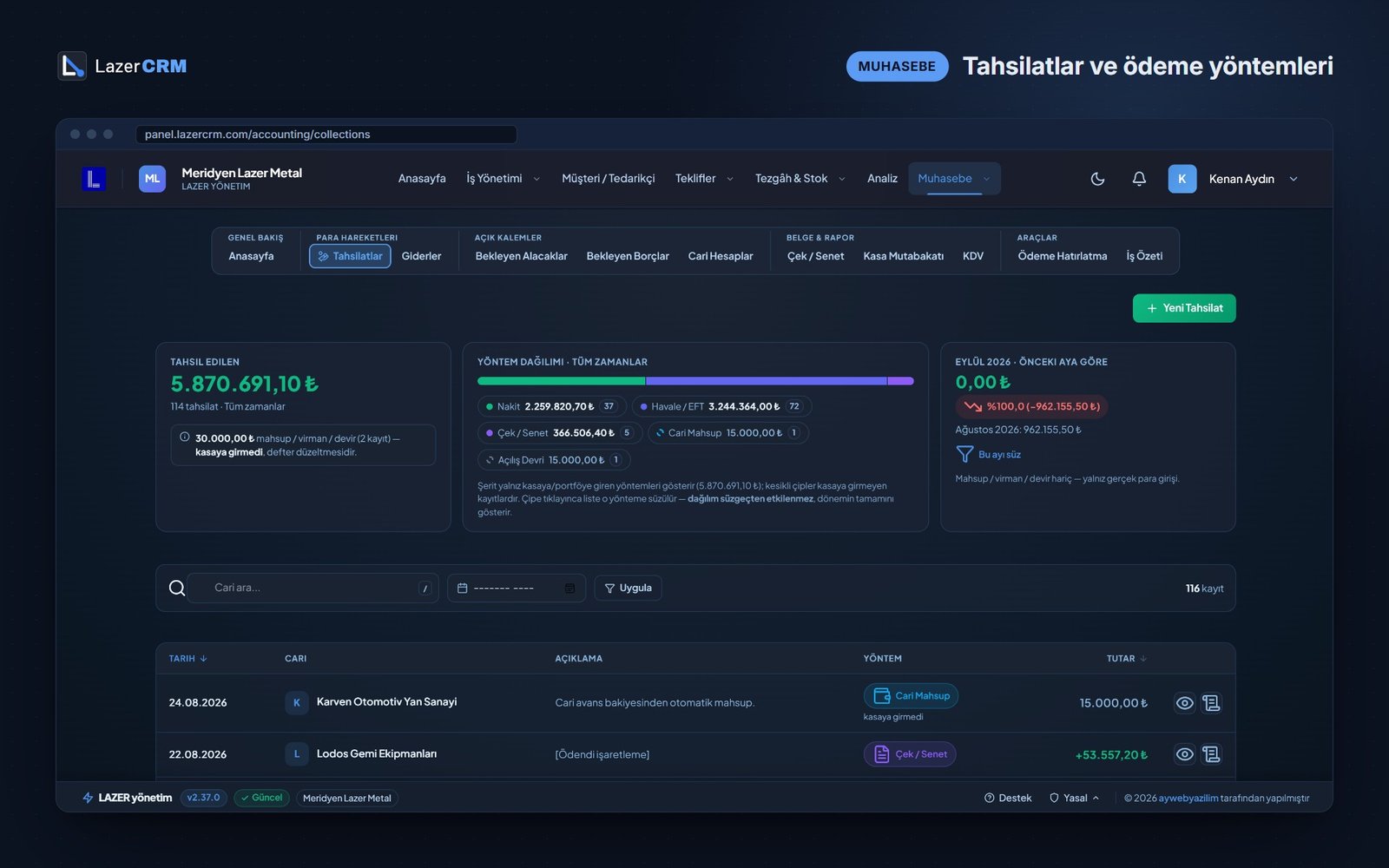
Payments received
Measure the money that actually came in
Every payment is recorded with its method — cash, bank transfer, cheque or note, offset — and posted to the customer account straight away. Offsets and transfers do not inflate your cash figures.
- Breakdown by payment method
- Comparison with the previous month
- Payment reminders and job statements for customers
VAT
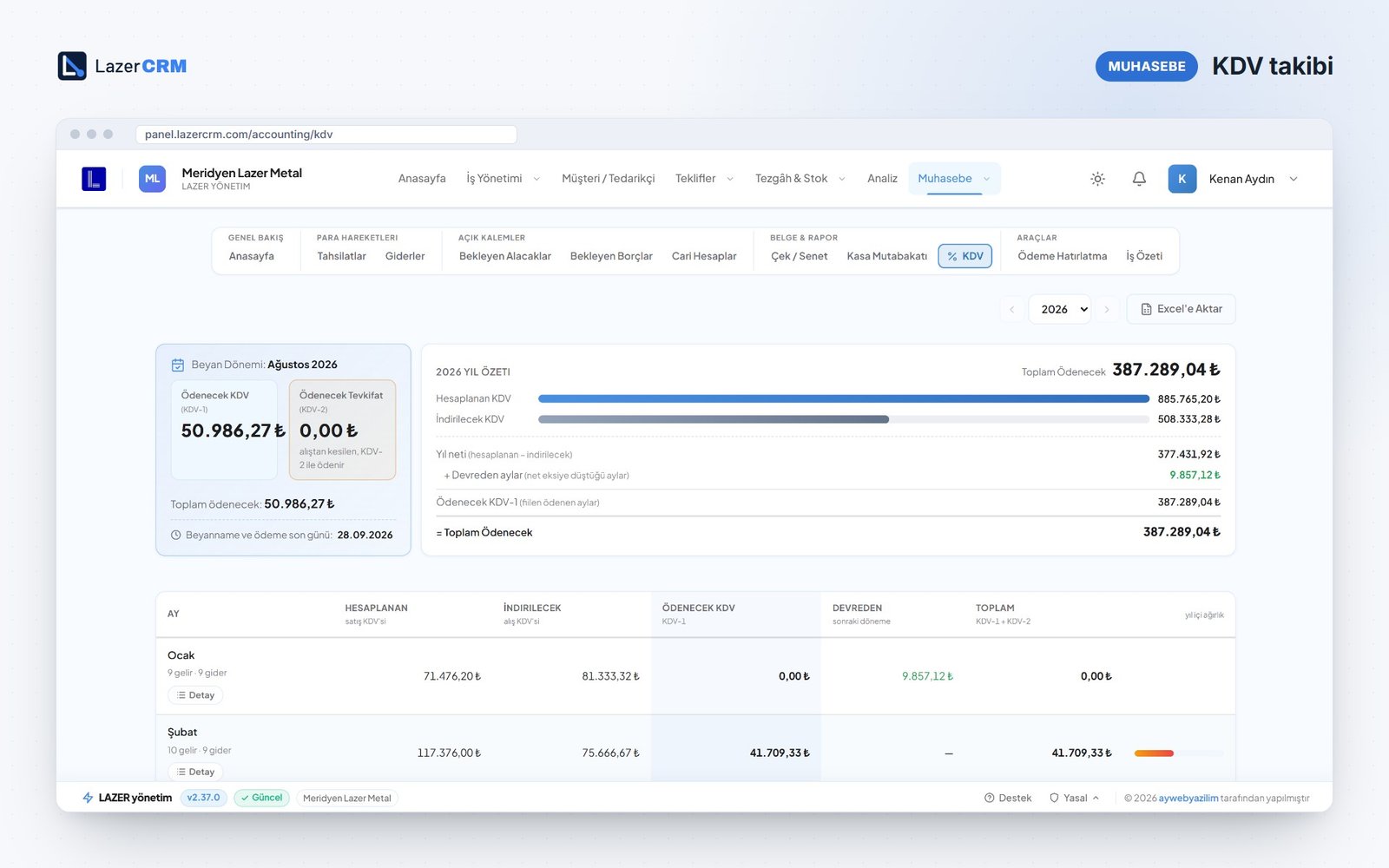
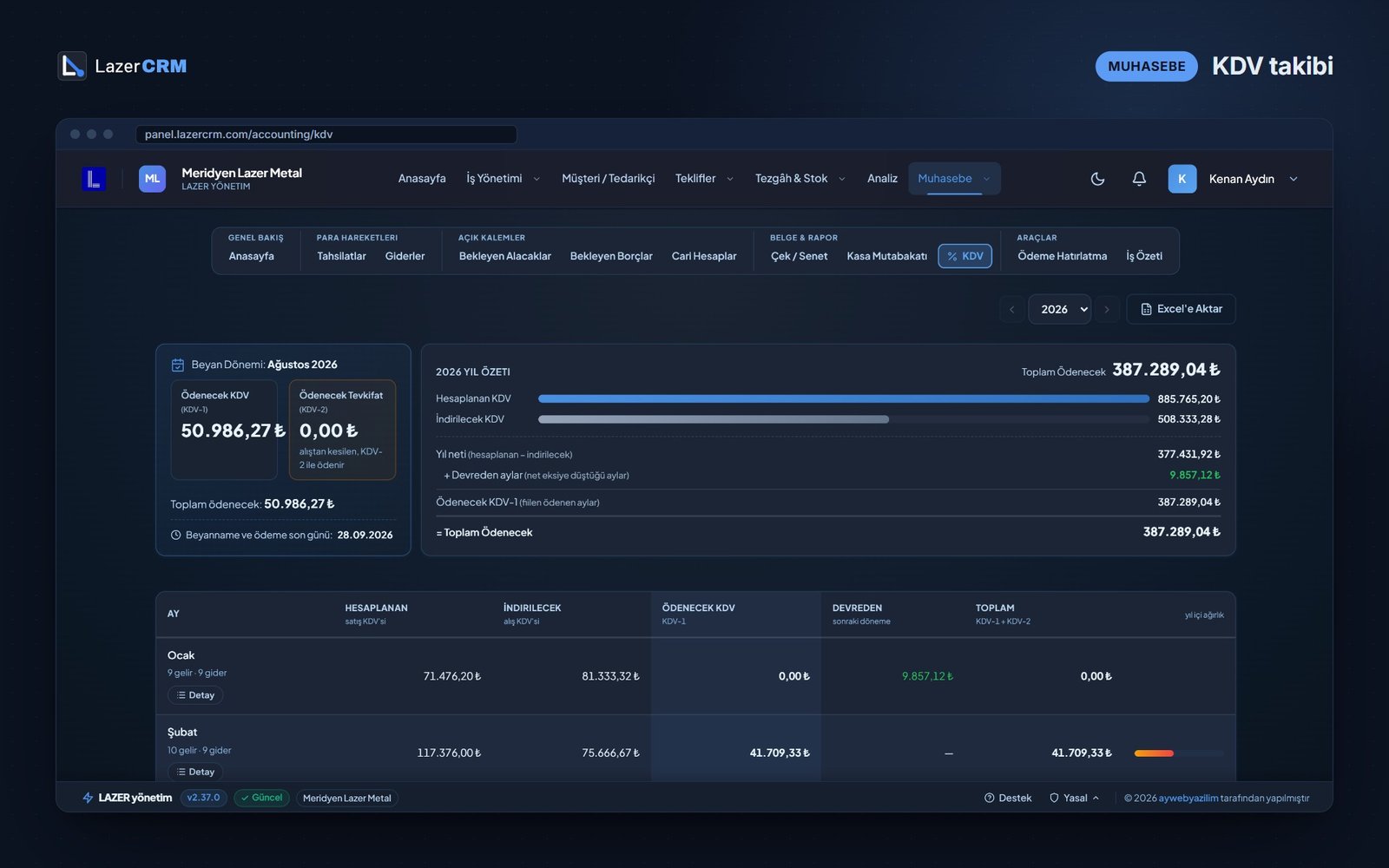
See the VAT due before the month ends
The current return period, a yearly summary and a month-by-month VAT table; VAT carried forward is applied automatically. The module follows the Turkish VAT (KDV) return.
- Return period card with its deadline
- Output VAT, input VAT and carry-forward per month
- Cash reconciliation in the same module
Analysis
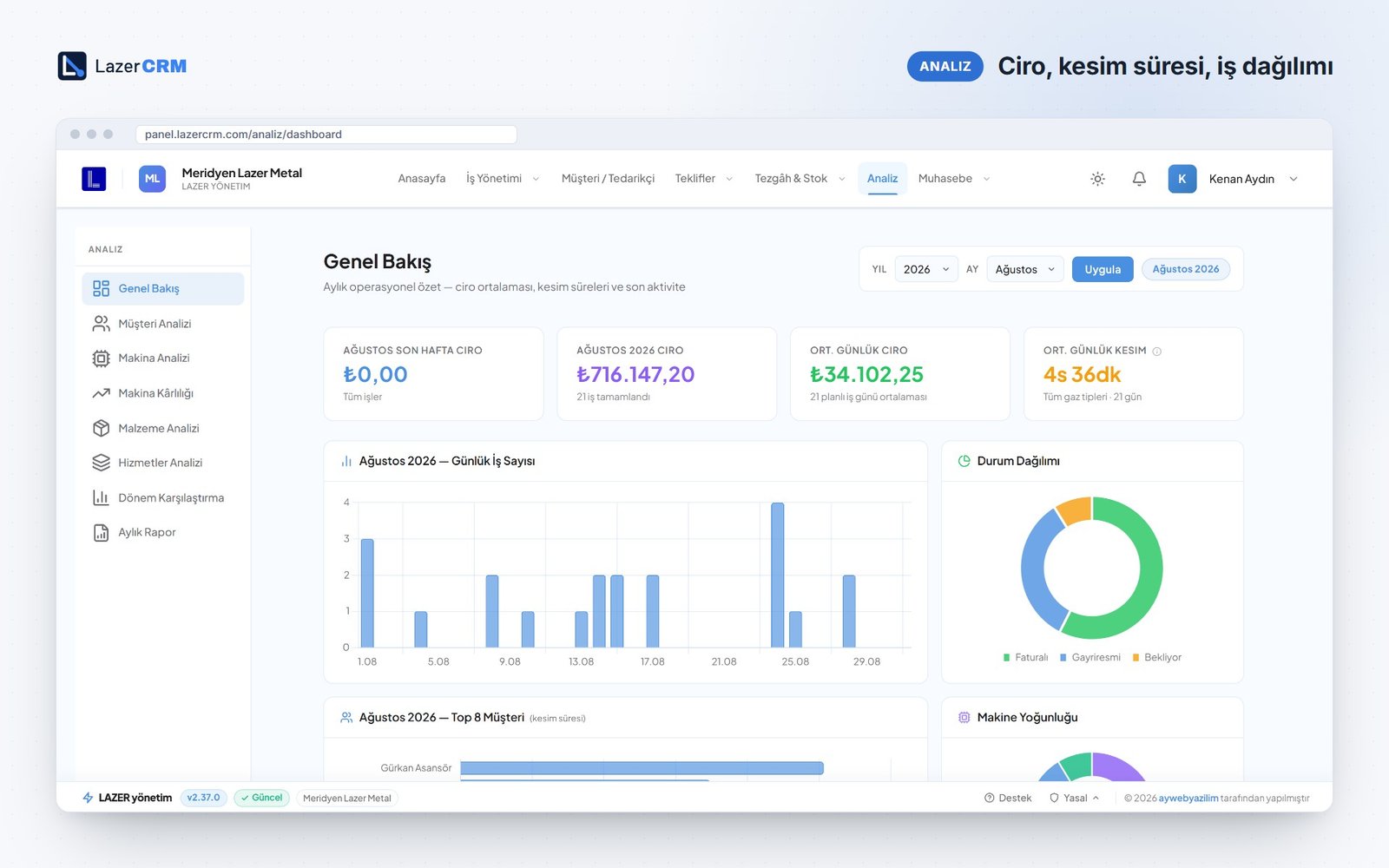
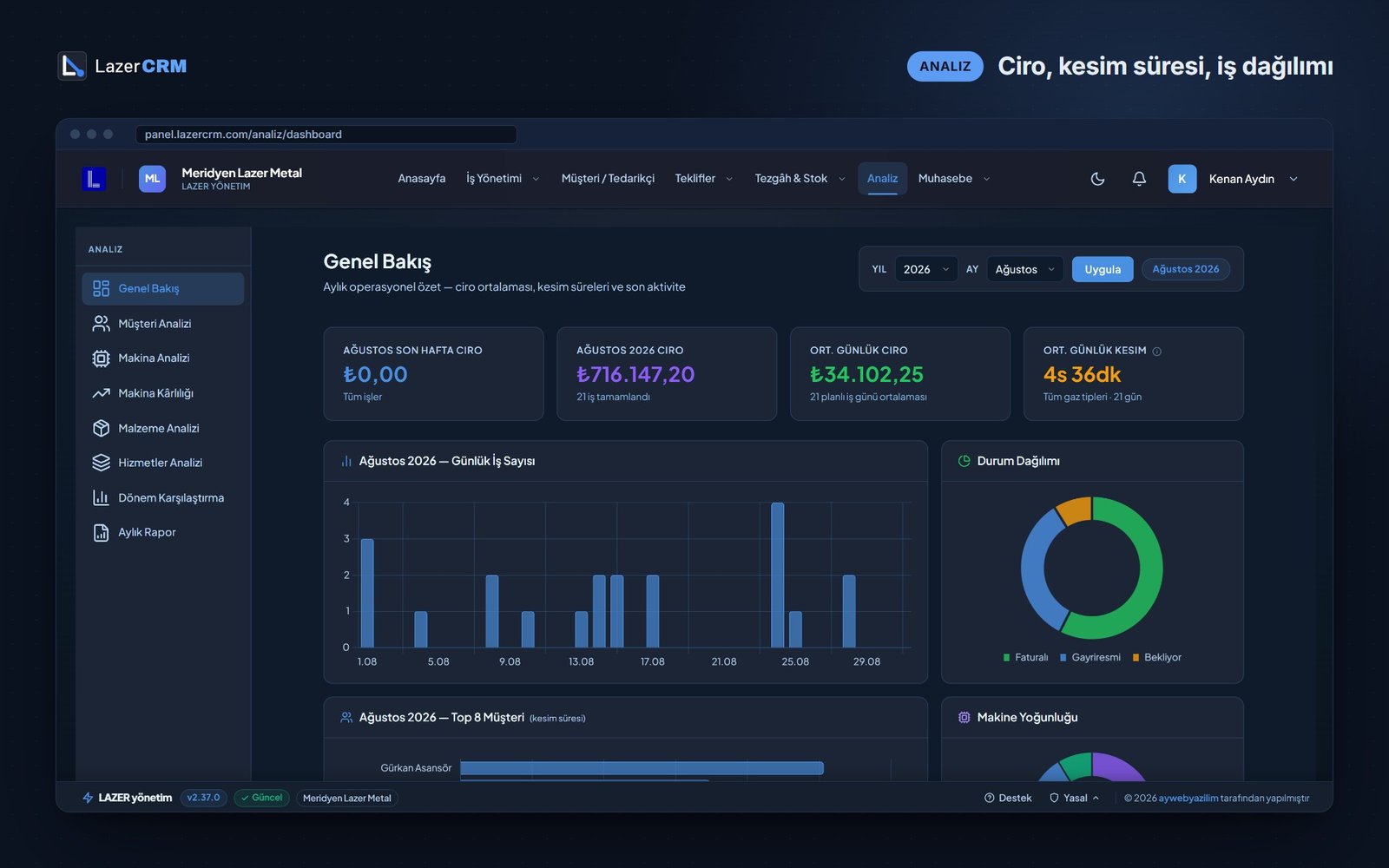
Profit, not just revenue
Eight reports in one module, including overview, customer analysis, machine profitability, materials, labour and period comparison. They are calculated from your jobs, payments and expenses — no separate data entry.
- Machine profitability: revenue share versus earnings per minute
- Customer analysis: jobs, revenue, average job value, material processed
- Material and labour reports
Monthly report
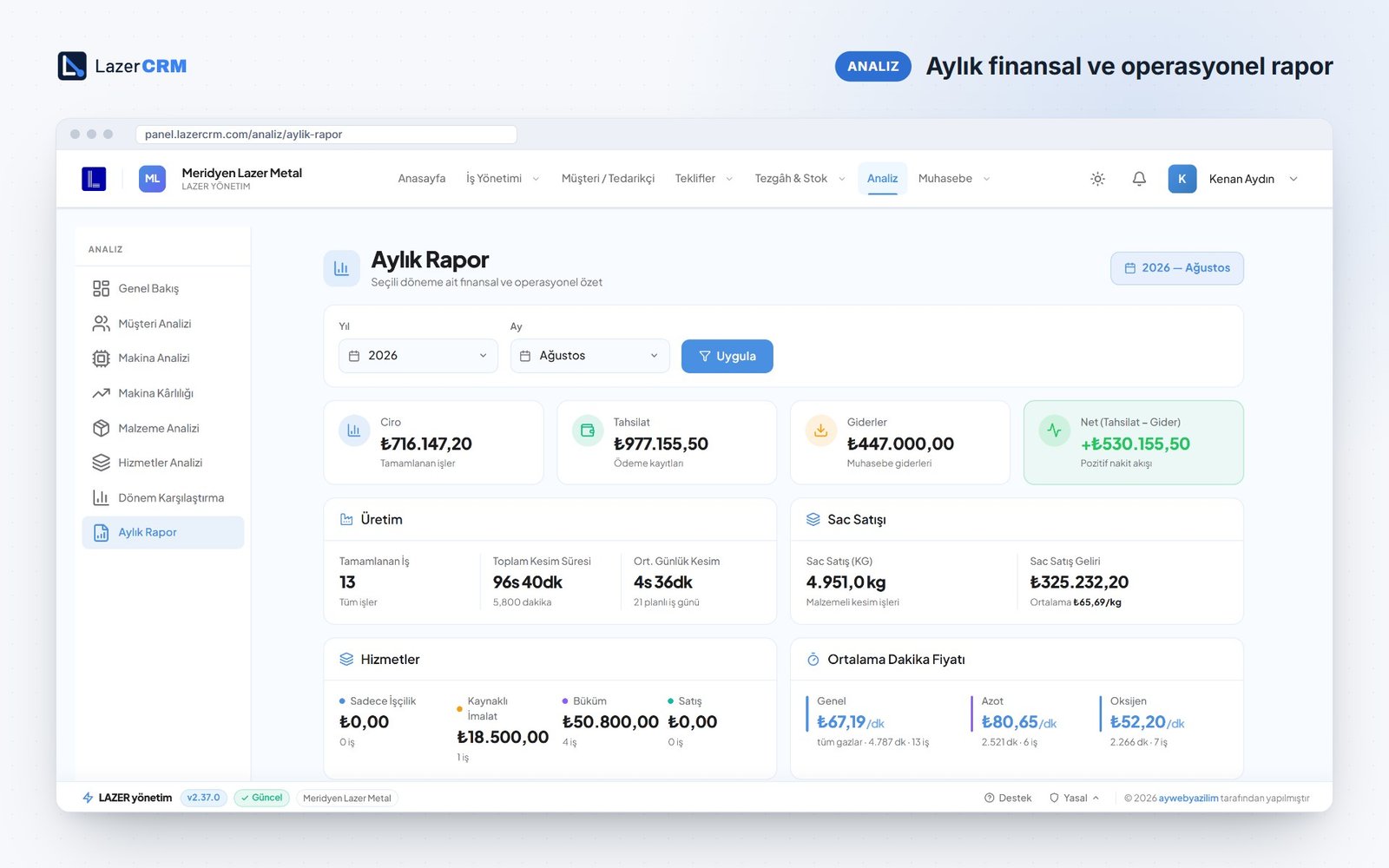
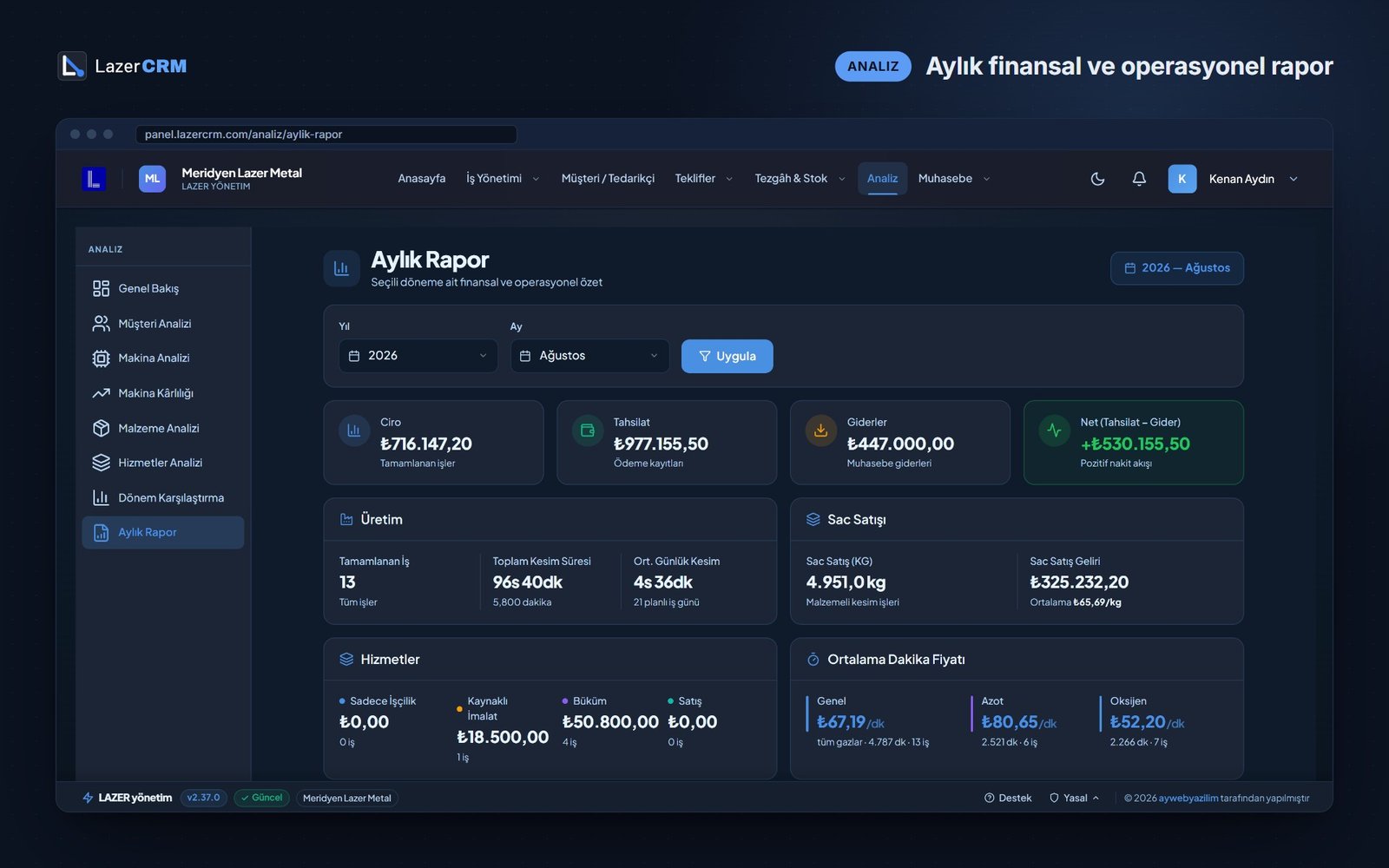
The month closed on one page
Revenue, collections, expenses and net cash, plus production, sheet sales, labour and the average price per cutting minute you actually achieved — the whole month on a single page.
- Net cash flow: collections minus expenses
- Total cutting time and average price per minute
- Top 5 customers
Customers
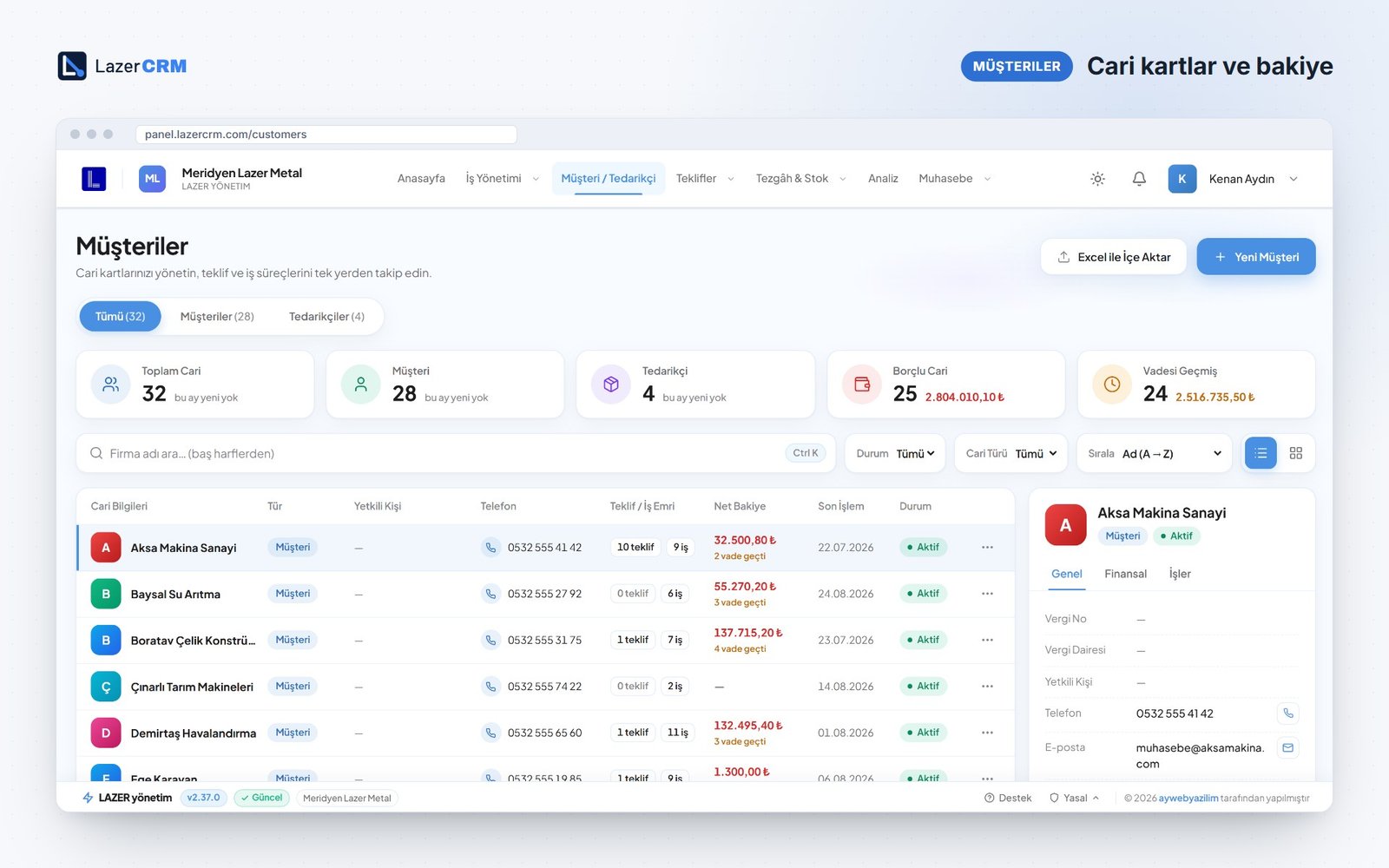
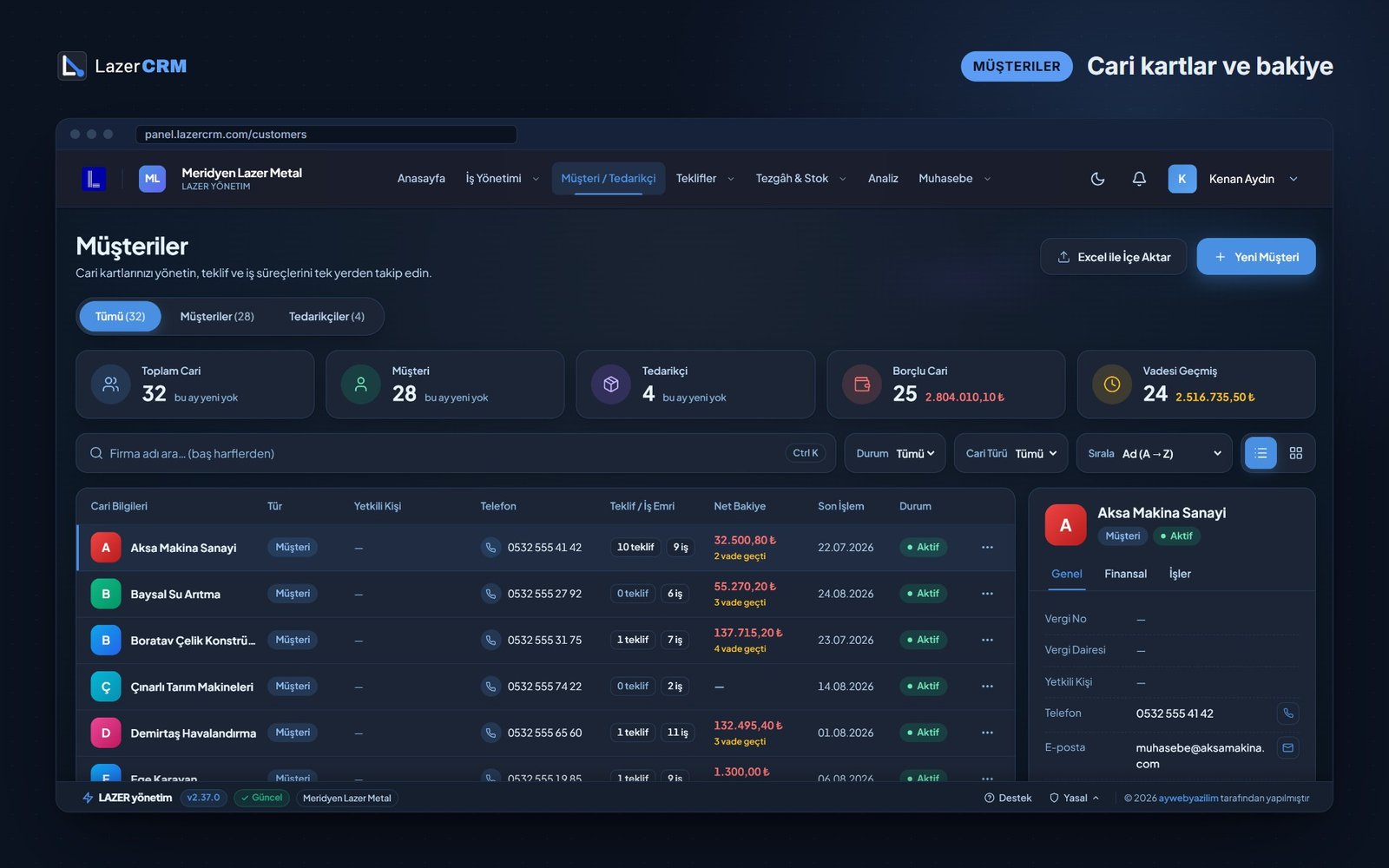
The whole history on one card
Customer and supplier records keep quotes, jobs, balance and payment terms together. Search by name, contact person, phone, e-mail or tax number.
- Customers and suppliers in one list
- Debtors and overdue accounts at a glance
- Bulk import from Excel
Also in LazerCRM
Sheet stock
Incoming sheets, usage and remaining stock on record.
Program tracking
Follow your laser cutting programs and turn them into jobs.
Mobile use
Works in the browser on phone, tablet and desktop.
Real LazerCRM screens with sample data. The interface is currently in Turkish.
Talk to us about your workshop
Write to us on WhatsApp or by e-mail. Tell us a little about your shop, your machines and how you quote today, and we will get back to you.
The LazerCRM interface is currently available in Turkish. Interested in using it in your workshop? Contact us.